

Download UC Browser – Fast, Data‑Saving, Customizable Web Tool
Overview
UC Browser, developed by UCWeb, has been on the internet scene since 2004 and quickly earned a reputation for speed, data efficiency and a surprisingly rich feature set. Designed for users who want a lightweight alternative to heavyweight browsers like Chrome or Edge, UC Browser leverages a proprietary data‑compression engine that trims the amount of information transferred between the server and your device. This translates into faster page loads, especially on slow or metered connections, while also reducing the impact on mobile data plans.
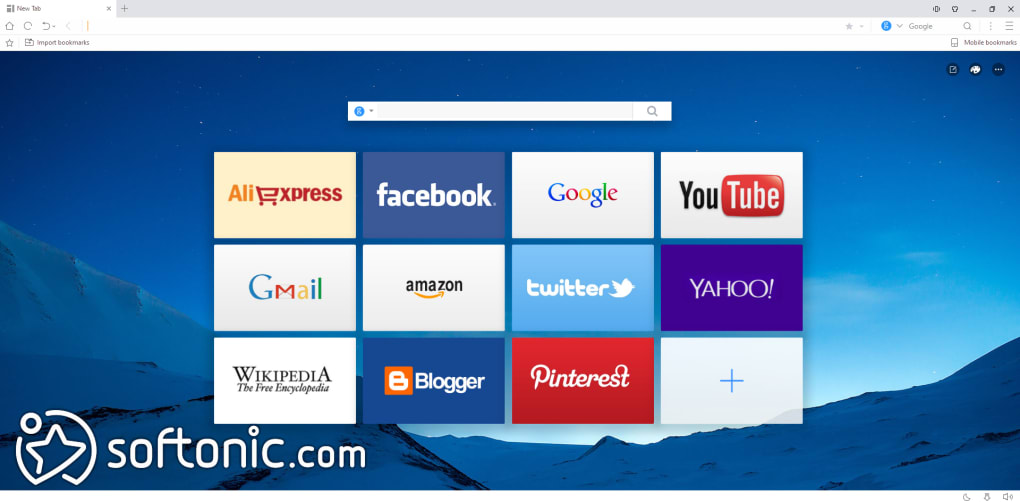
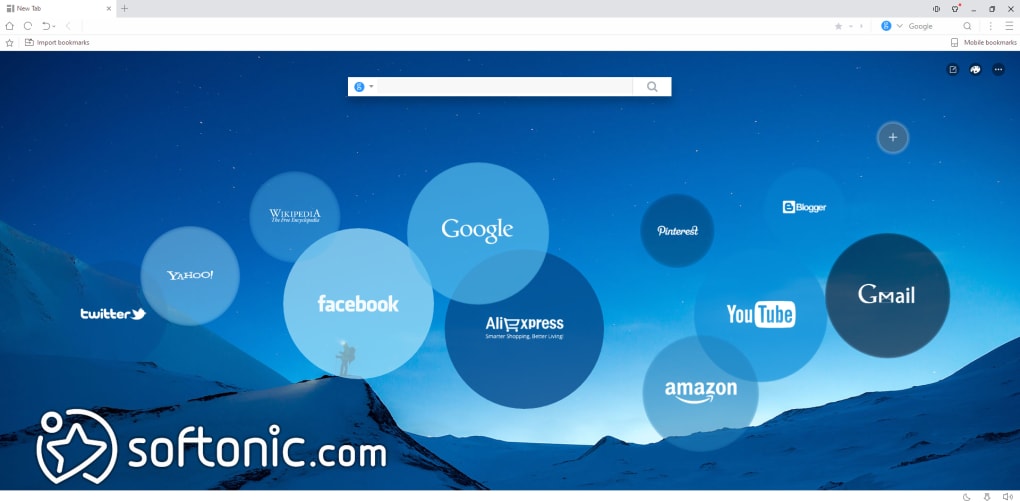
The browser comes with an integrated ad blocker, a built‑in video player, a night‑mode for low‑light browsing, and a flexible homepage that lets you pin your favorite sites for one‑tap access. Whether you’re on a budget smartphone, an older laptop, or a modern desktop, UC Browser aims to keep resource consumption low without sacrificing core functionality. Its user‑friendly interface, gesture‑based navigation, and cloud sync capabilities make it a solid choice for people who prioritize performance and customization over the latest bells‑and‑whistles.
However, it’s worth noting that the browser has faced criticism over privacy concerns, which we’ll explore later in this review.
Key Features and Performance Highlights
- Data Compression Engine: Reduces page size by up to 70 % using cloud acceleration, ideal for limited data plans.
- Integrated Ad Blocker: Blocks intrusive ads and pop‑ups, improving speed and reducing bandwidth usage.
- Gesture Controls: Swipe or draw gestures to navigate back, forward, or switch tabs without touching the UI.
- Quick Mode: Delivers a stripped‑down version of websites for ultra‑fast loading on slow networks.
- Built‑in Video Player & Download Manager: Play streamed videos without external plugins and pause/resume downloads at will.
- Night Mode & Custom Themes: Reduce eye strain and personalize the look of the browser.
- Cloud Sync: Sync bookmarks, history, and login credentials across Android, iOS, and Windows devices.
- Tab Management: Multiple tabs run with minimal memory impact, preventing crashes on low‑end hardware.
From a performance perspective, UC Browser consistently outpaces many mainstream options on low‑spec devices. Its lightweight engine consumes less RAM, which means older computers stay responsive even with several tabs open. The data‑compression technology works by routing web traffic through UCWeb’s servers, stripping unnecessary scripts and images before the content reaches your device. This not only speeds up loading times but also cuts down on cellular data consumption—a crucial advantage for users on restricted plans. The integrated ad blocker further trims the data stream, eliminating heavy ad networks that can bog down page rendering.
On the downside, the same cloud‑based approach can occasionally cause compatibility hiccups with sites that rely heavily on real‑time scripts or DRM‑protected media. Users have reported buffering issues when streaming high‑definition video from platforms like YouTube, where the compression layer may interfere with adaptive bitrate algorithms. Nevertheless, for everyday browsing—news, social media, email, and lightweight web apps—UC Browser delivers a smooth, fast experience that feels tailored for bandwidth‑conscious users.
Installation, Usage & Compatibility
How to Install on Windows
Installing UC Browser on a Windows PC is straightforward:
- Download the latest
.exeinstaller from the official UC Browser website. - Double‑click the file and, if prompted by User Account Control, click Yes to allow the installer to run.
- Read and accept the End‑User License Agreement.
- Choose your preferred installation folder (the default works for most users).
- Click Install and wait a few moments while the setup extracts files.
- When the process finishes, launch UC Browser from the desktop shortcut or Start menu.
Mobile Installation (Android & iOS)
For Android devices, download the UC Browser APK from the official site or a trusted app store, enable “Install from unknown sources” if necessary, and follow the on‑screen prompts. iOS users can obtain the app directly from the Apple App Store, where it’s listed as “UC Browser – Fast & Secure.”
Compatibility: UC Browser runs on Windows 7/8/10/11 (both 32‑bit and 64‑bit), Android 5.0 and up, and iOS 11+. A stripped‑down version called UC Mini is available for extremely low‑end hardware, pushing the system requirements to the absolute minimum.
Once installed, the first launch will ask you to create a free UC account for cloud sync. After signing in, you can import bookmarks from other browsers, customize the homepage layout, and enable or disable features such as the ad blocker and night mode. The browser’s settings menu provides granular control over data compression, gesture sensitivity, and privacy options, allowing you to tailor the experience to your needs.
Pros, Cons & Security Considerations
Pros
- Excellent speed on low‑end devices thanks to lightweight engine.
- Data‑saving compression ideal for limited mobile plans.
- Integrated ad blocker reduces clutter and bandwidth use.
- Gesture navigation adds a fun, efficient way to browse.
- Customizable themes, night mode, and homepage shortcuts.
- Cloud sync keeps bookmarks and passwords consistent across platforms.
Cons
- Privacy concerns: data may be routed through UCWeb servers and logged.
- Streaming high‑definition video can suffer from buffering.
- Lack of built‑in VPN compared to some competitor browsers.
- Occasional compatibility issues with complex web apps.
- Past bans from certain app stores raise trust questions.
Security & Privacy
Security has been the most controversial aspect of UC Browser. The data‑compression layer means that web traffic passes through UCWeb’s remote servers, where it can be inspected and potentially logged. Independent security analyses have reported that the browser may transmit usage statistics, visited URLs, and even search queries to external servers, even after the app is uninstalled. While there is no evidence of malicious code, the practice raises privacy flags for users who value end‑to‑end encryption and minimal data collection.
To mitigate risks, enable the built‑in ad blocker and turn off “Cloud Acceleration” in the settings if you prefer a direct connection to websites. Additionally, consider using a reputable VPN in conjunction with UC Browser for an extra layer of encryption. The developer has released updates addressing some of these concerns, but the core architecture still relies on server‑side processing, which will always be a trade‑off for the speed gains.
Frequently Asked Questions
Is UC Browser completely free?
Yes, UC Browser is free to download and use on all supported platforms. There are no subscription fees, though some in‑app purchases for premium themes or extra cloud storage may be offered.
Does UC Browser have a built‑in VPN?
No, the standard version does not include a VPN. Users who need encrypted browsing can install a third‑party VPN app alongside UC Browser.
How does the data‑compression feature affect website layout?
Compression removes unnecessary scripts and large images, which can slightly alter the visual fidelity of some sites. However, most modern webpages still render correctly, and the speed benefit usually outweighs minor layout changes.
Can I sync my bookmarks across devices?
Yes. By creating a free UC account, you can sync bookmarks, history, and login credentials across Android, iOS, and Windows versions of the browser.
Is UC Browser safe for banking and online purchases?
The browser supports HTTPS and standard security protocols, but because traffic may be routed through UCWeb’s servers for compression, it’s advisable to disable “Cloud Acceleration” when accessing sensitive sites or to use a dedicated secure browser for banking.
Conclusion & Call to Action
UC Browser stands out as a fast, data‑conscious alternative to heavyweight browsers, especially for users on older hardware or limited mobile plans. Its blend of data compression, built‑in ad blocking, gesture navigation, and extensive customization options delivers a compelling browsing experience that feels modern despite its modest system requirements. However, privacy‑focused users should weigh the convenience of cloud‑based acceleration against the potential for data collection and consider disabling that feature or pairing the browser with a VPN.
If you’re looking for a free, lightweight browser that can revive an aging laptop or stretch a tight data budget, UC Browser is worth a try. Download the latest version today, set up your UC account for seamless sync, and enjoy faster page loads without sacrificing essential features.
Overall Rating: 4 out of 5 stars
Download UC Browser now and experience a smoother, more efficient web journey.







